 ThingzSafe
Web portal · Household / Pro
People, invitations and devices
Use your shared ThingzSafe inventory from a browser on a computer, tablet or phone.
Who can open this screen
People and devices is an owner-only web screen. The household owner can see member accounts, pending invitations and registered devices. Invitees cannot open this screen, including by entering its address directly.
Invite someone
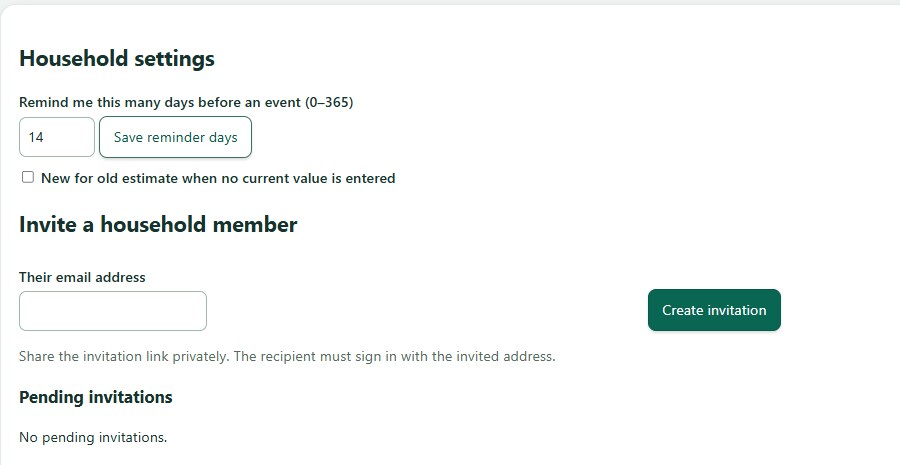
- In Android Household cloud or the web People and devices screen, enter the email address the person will use to sign in and create an invitation. Send the private invitation link/code only to that person. It expires after seven days.
- The invitee pastes the code into Household cloud before signing up or signing in. The app validates the code first; the verified identity email must match the invited email. Invitees do not buy a separate subscription.
Manage members and devices
- Use the People list to remove an invitee from the household. Use Devices to revoke an unused or lost device. Only the paid household owner can use these controls; the API also rejects member requests to list or revoke people and devices.
- Removing access stops future authorised sync. It cannot erase data already downloaded onto someone else’s device. The household owner is the person who paid for the subscription.
Device limit
A Household plan supports up to ten active registered devices, including browser registrations. Remove unused devices when the limit is reached.
Need more help or have a suggestion? Contact us.