 ThingzSafe
Web portal · Household / Pro
Link contacts to a Thing
Use your shared ThingzSafe inventory from a browser on a computer, tablet or phone.
Choose an existing contact
Review and unlink
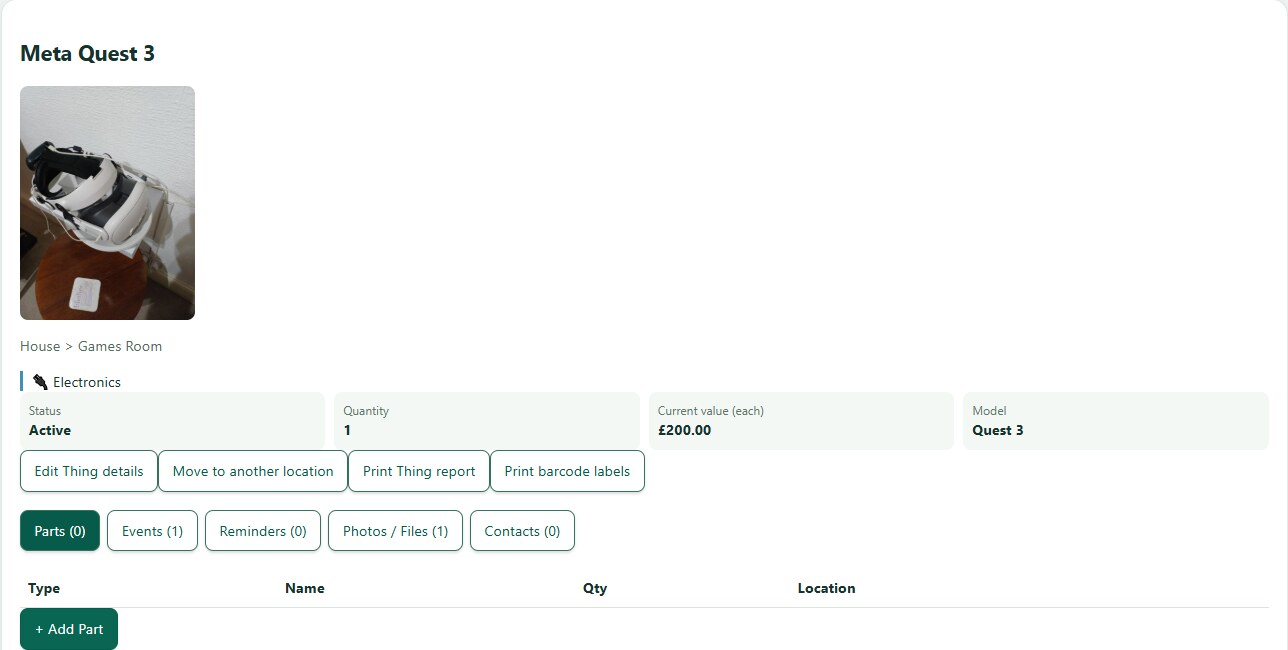
The linked contact appears on the Thing. Remove the link from this Thing when it no longer applies; this does not remove the person from the household.
Need more help or have a suggestion? Contact us.