 ThingzSafe
Web portal · Household / Pro
Browse Sites and Areas
Use your shared ThingzSafe inventory from a browser on a computer, tablet or phone.
Move through locations
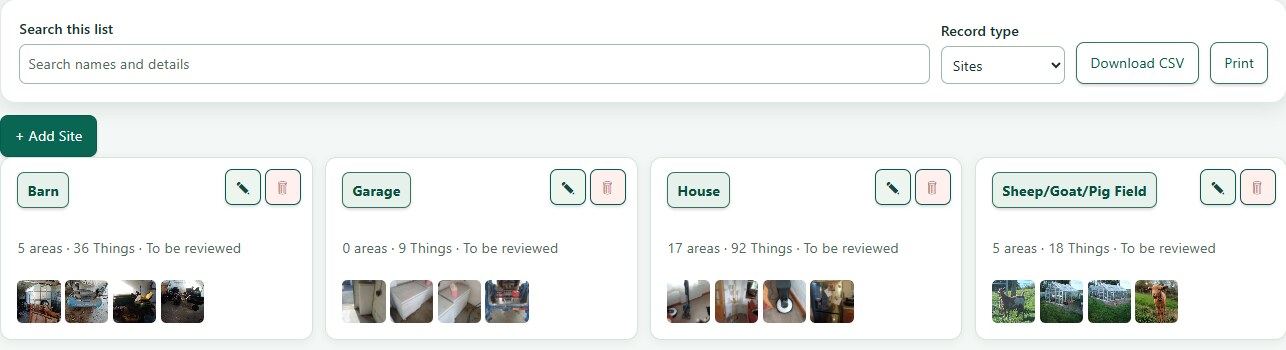
- Open Sites and areas to see each Site and its Areas. Select a Site, then open an Area or a Thing. Breadcrumbs take you back up the location path.
- Things can belong directly to a Site or be placed in an Area. A Thing can also be linked to Contents and Parts; those relationships do not change its physical location.
Filter location records
- Status defaults to Owned, including Active and On loan Things. Sold and Disposed Things are hidden until you choose their status or All.
- Counts and sample cards in a Site or Area follow the selected status filter. Sold and Disposed Things appear with a silver background when included.
Need more help or have a suggestion? Contact us.