 ThingzSafe
Web portal · Household / Pro
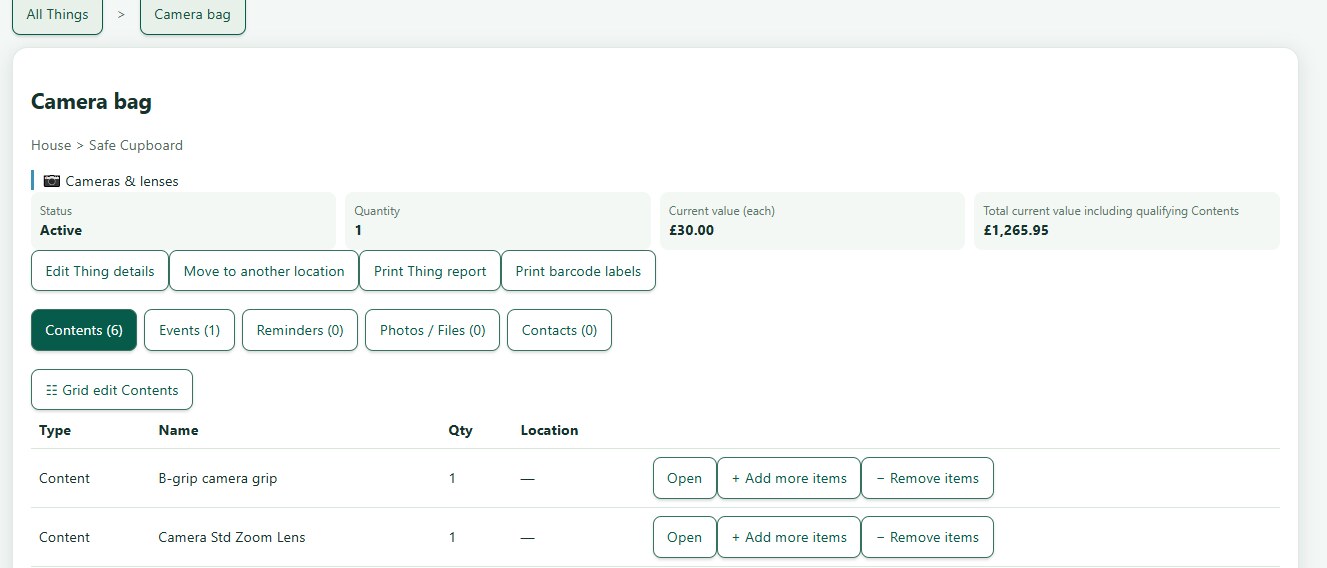
Thing Contents on the web
Use your shared ThingzSafe inventory from a browser on a computer, tablet or phone.
Open and search Contents
Update stock and labels
- Edit an entry to correct its name or details. Use the quantity actions to record stock arriving, being used, moved or counted. Review changes before saving.
- Print labels from the parent Thing to offer only its own Contents. Use the global label command when you intend to choose Contents from across the inventory.
Need more help or have a suggestion? Contact us.