 ThingzSafe
Android
Quick one-photo capture
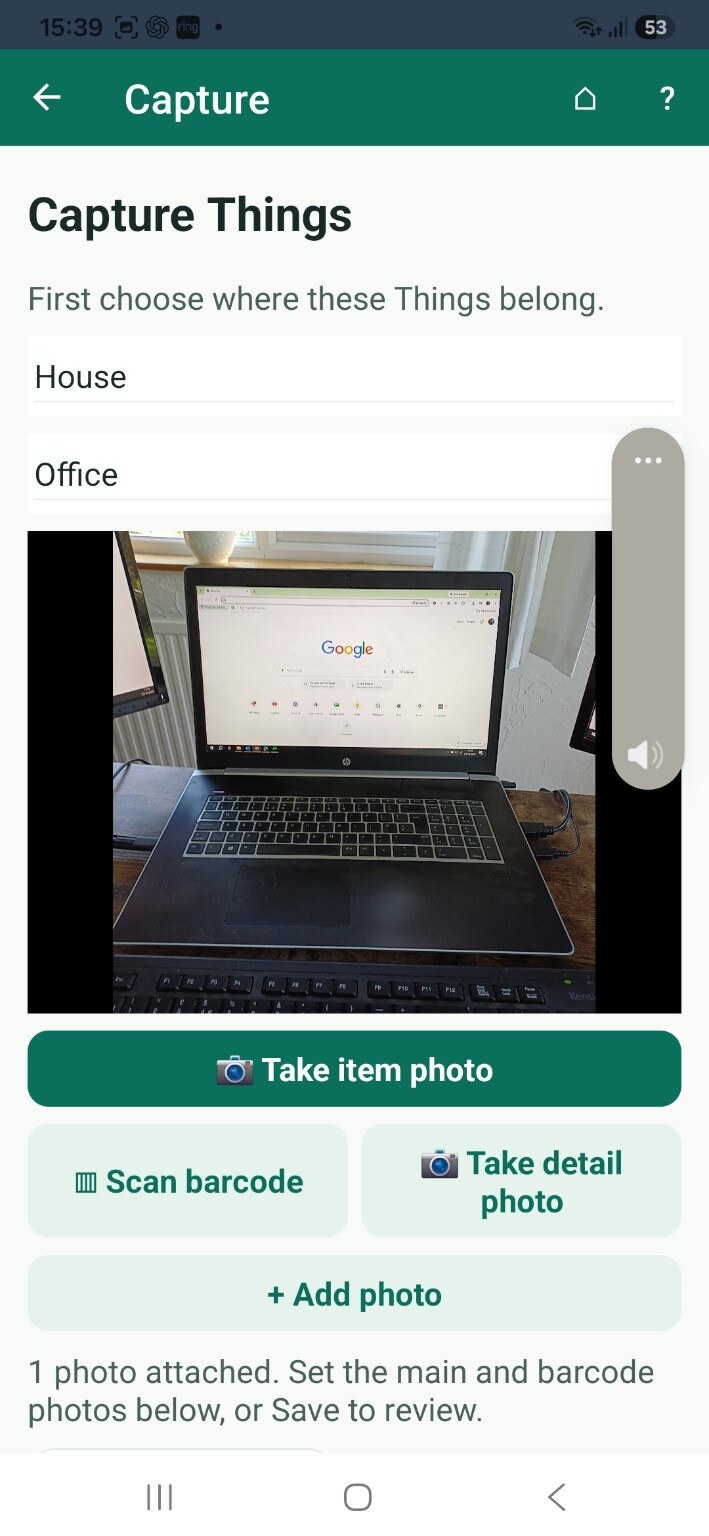
Choose a Site and optional Area, then frame one item inside the bounded camera window. Select Standard, Square, Wide or Thin before taking the photo. The saved photo keeps the chosen proportions without stretching; check it, Retake if needed, then Save & add another or Save & done.
Saved photos go to the Review queue for names and details.
Need more help or have a suggestion? Contact us.